
User guide
Taking orders on the till
New staff at Sorrel & Rye who take orders at the till
- Take the order
- Add the customer's points
- Take payment
- The receipt
- Prices and points at a glance
Page 1 of 6
User guide
Taking orders on the till
New staff at Sorrel & Rye who take orders at the till
Page 1 of 6
User, tech and dev guides in eight looks, in your colours with your logo, in English, 中文 and Bahasa.
Each page below is the real first page of a finished guide. Tap one to turn the pages. The businesses are invented; the documents are real.
Screens with a picture under every step
User guide, 6 pages
Long numbered procedures with few pictures
 User guide, 9 pages
One picture per step, warnings that stand out
 User guide, 8 pages
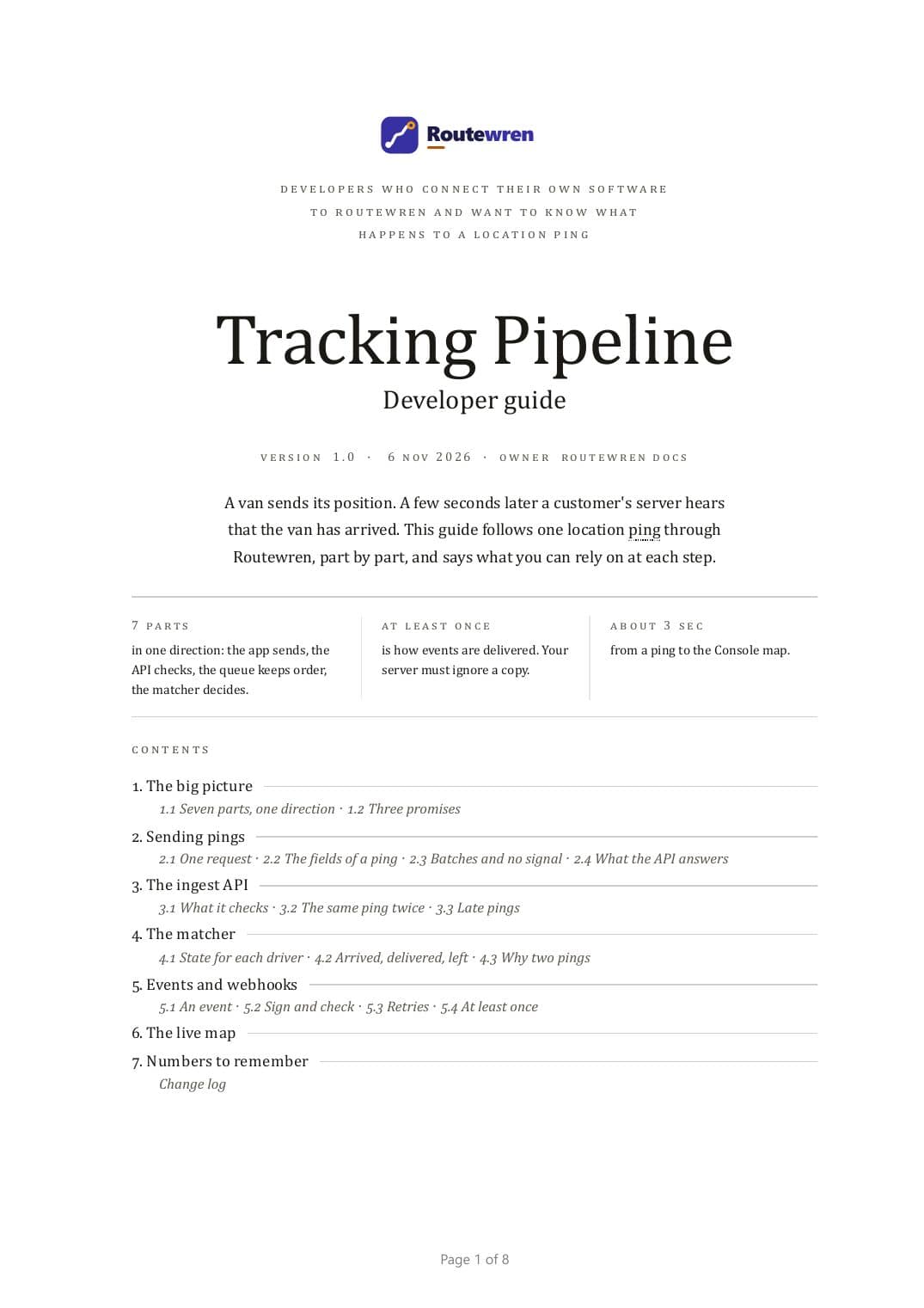
Settings tables, keys and code
 Tech guide, 8 pages
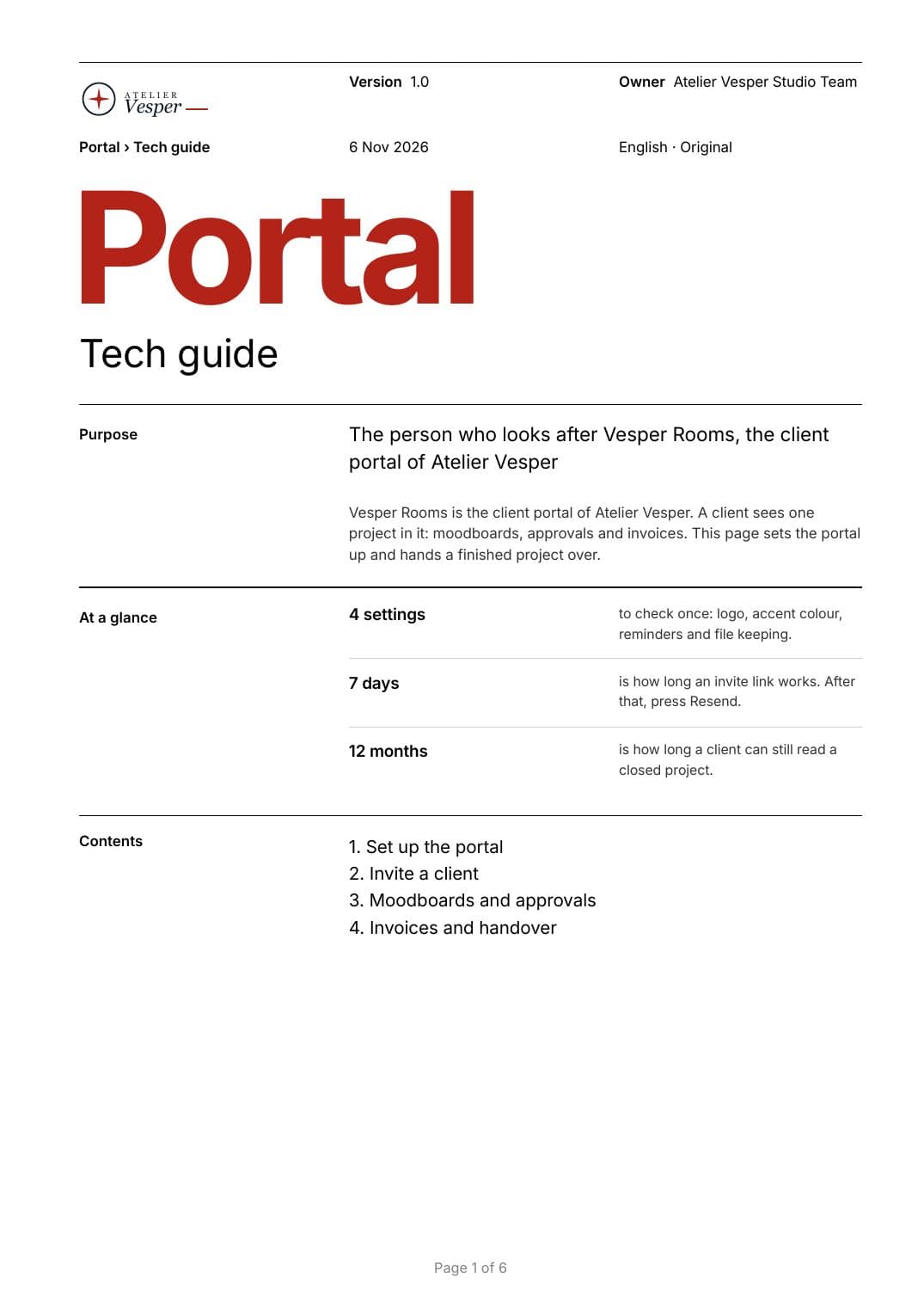
Short documents with one big accent word
 Tech guide, 6 pages
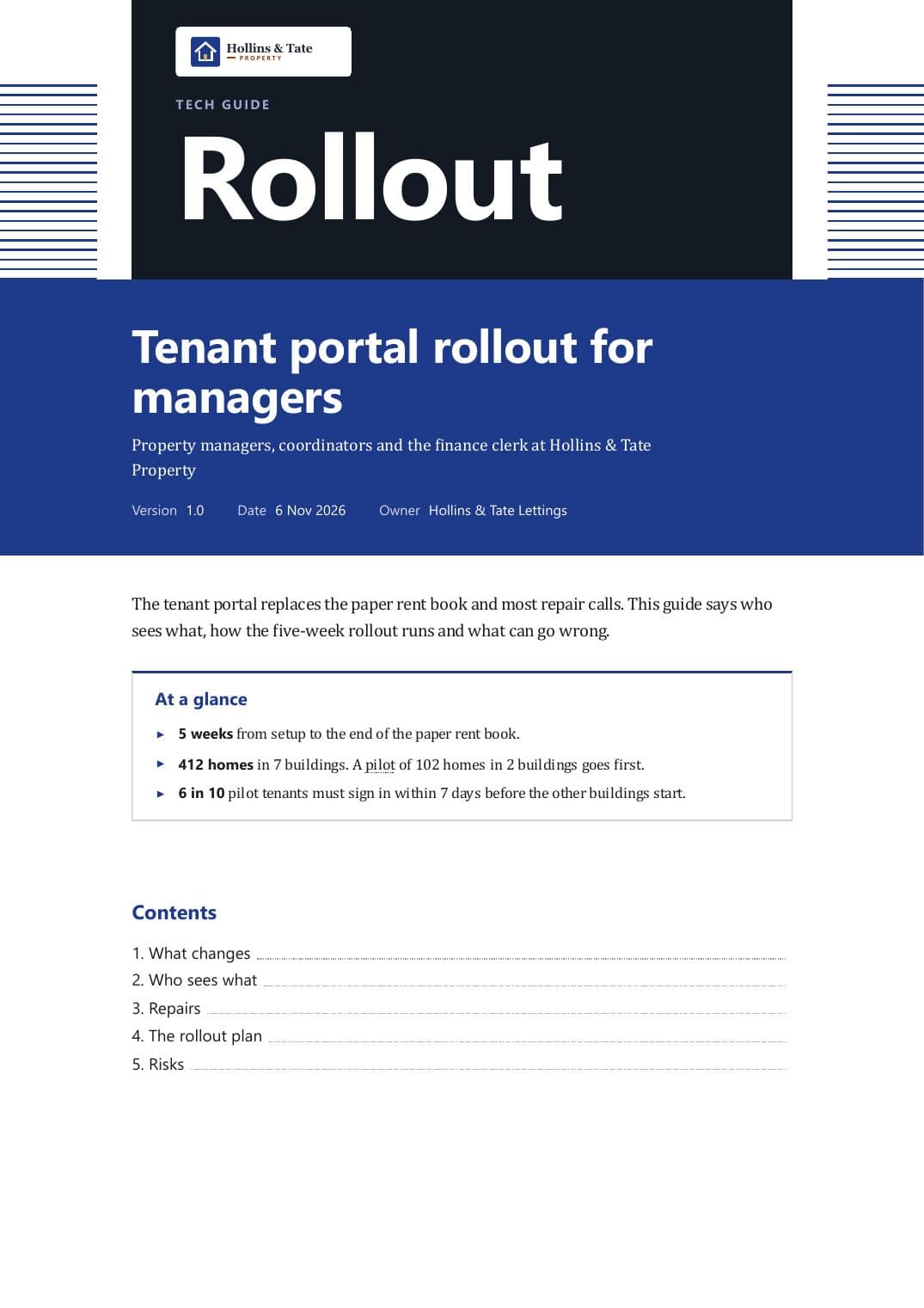
Printed for managers, dark title page
 Tech guide, 7 pages
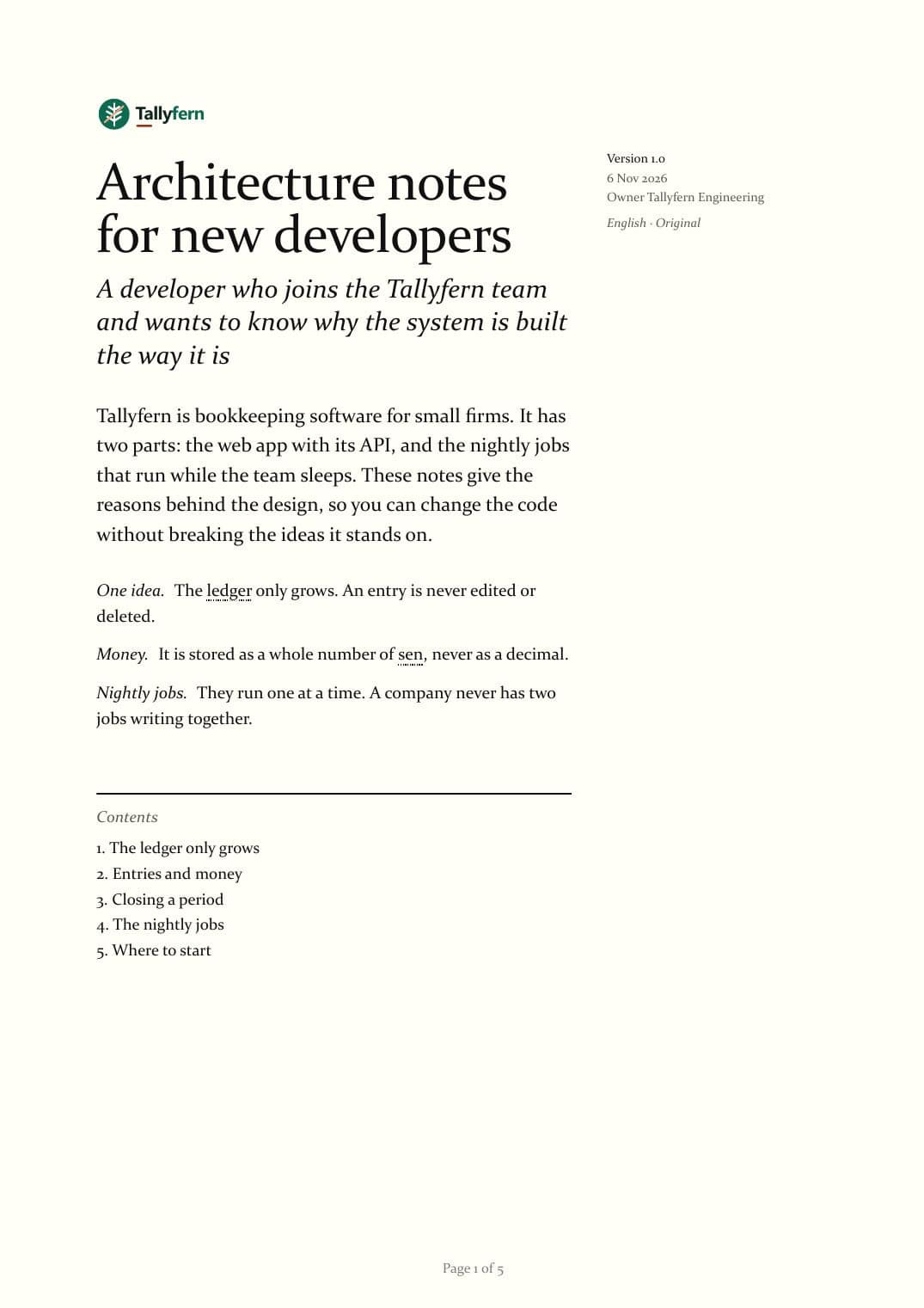
An essay with notes in the margin
 Dev guide, 5 pages
Long reads with diagrams as numbered plates
Dev guide, 8 pages
Pick a pair and every guide below repaints at once. These are the real guides, running live in this page.
This browser keeps local pages apart, so colours cannot reach this frame. Open the guide with these colours.
This browser keeps local pages apart, so colours cannot reach this frame. Open the guide with these colours.
This browser keeps local pages apart, so colours cannot reach this frame. Open the guide with these colours.
Routewren has IT staff, developers and drivers. Each can have a guide of their own, or all of them can share one file in big parts.
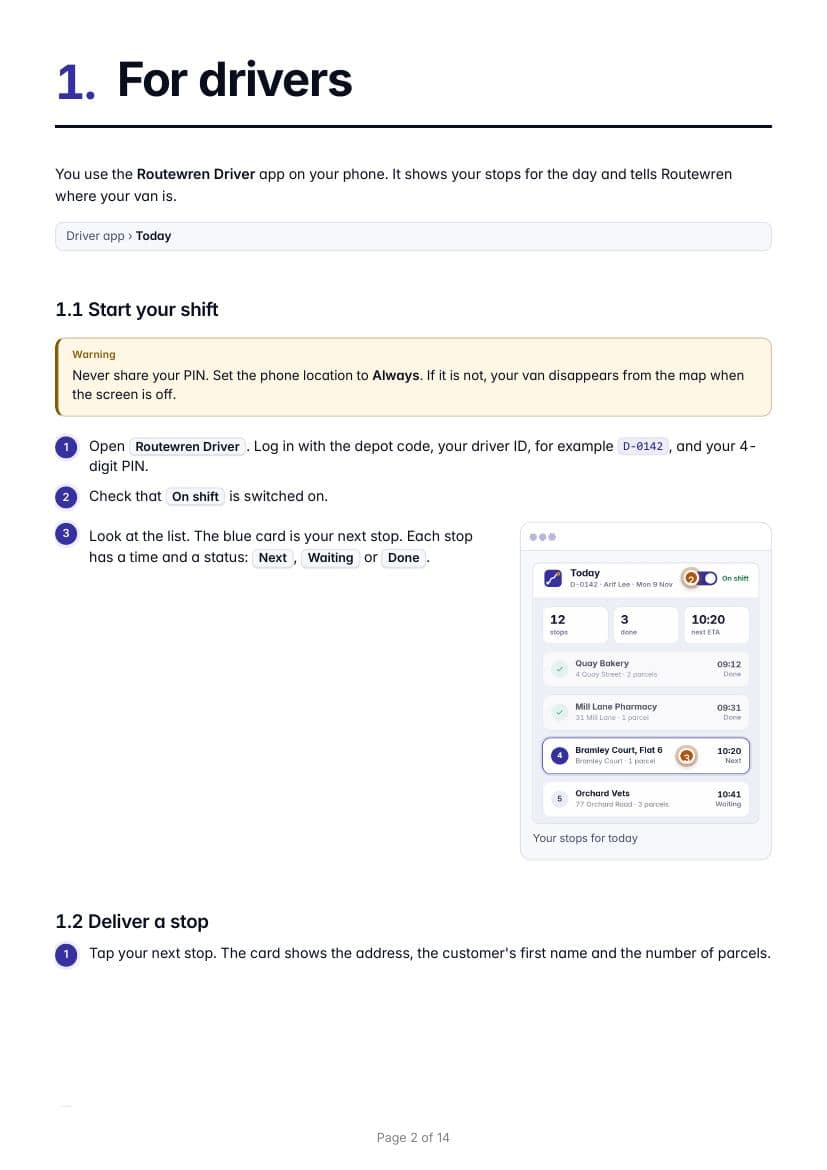
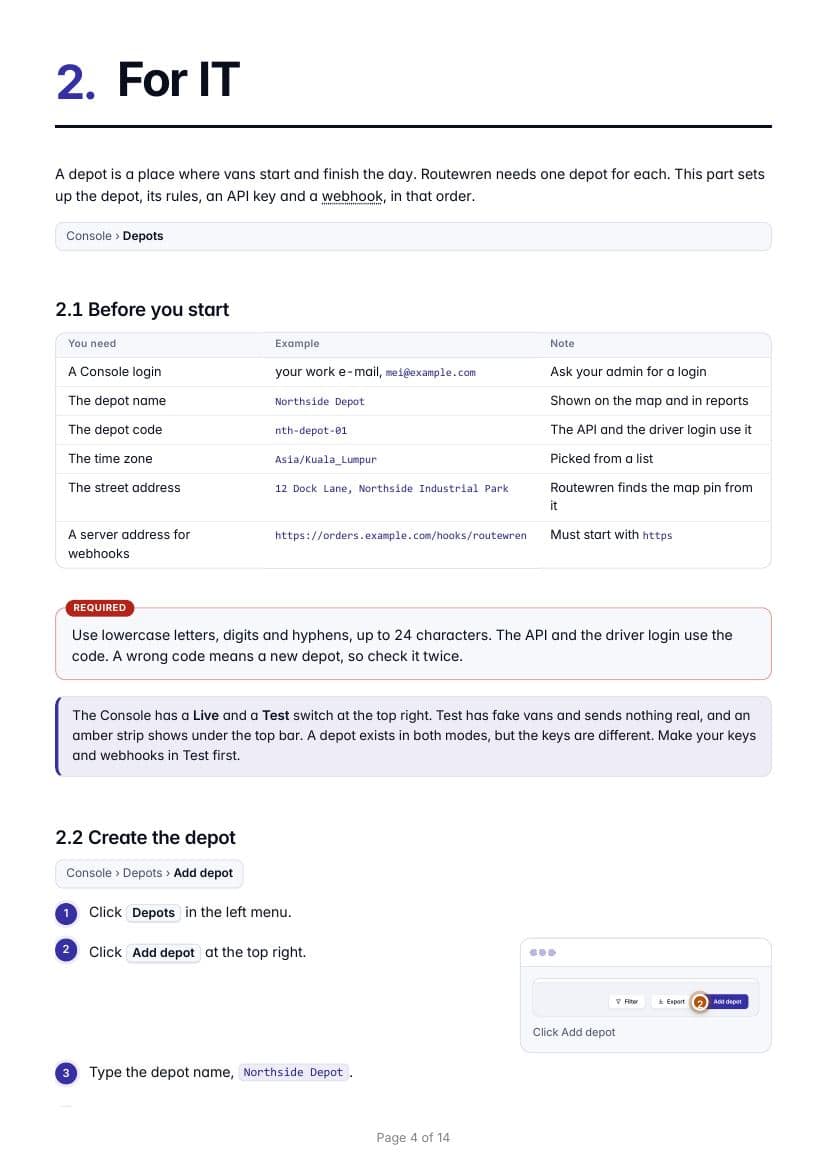
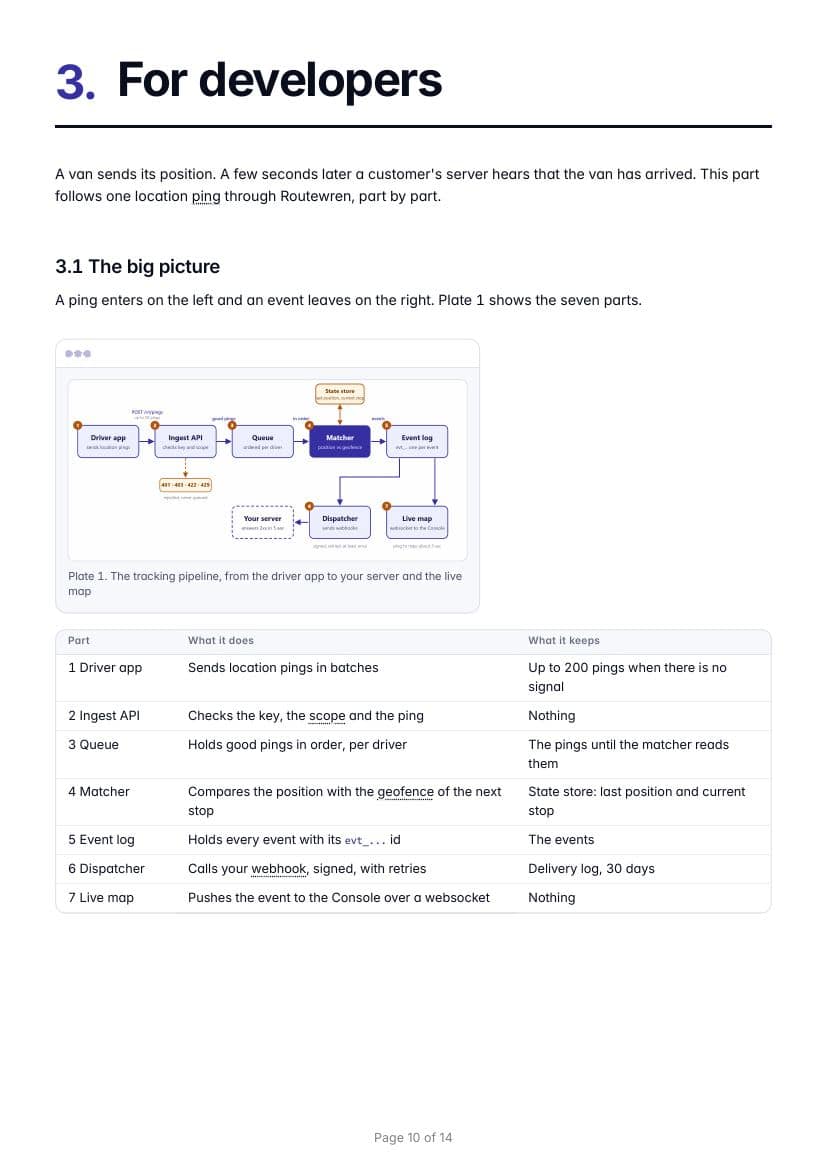
Drag the line across. A plain screen becomes a picture with numbered bubbles, a zoom ring, a phone frame and grey bars over the customer's data.
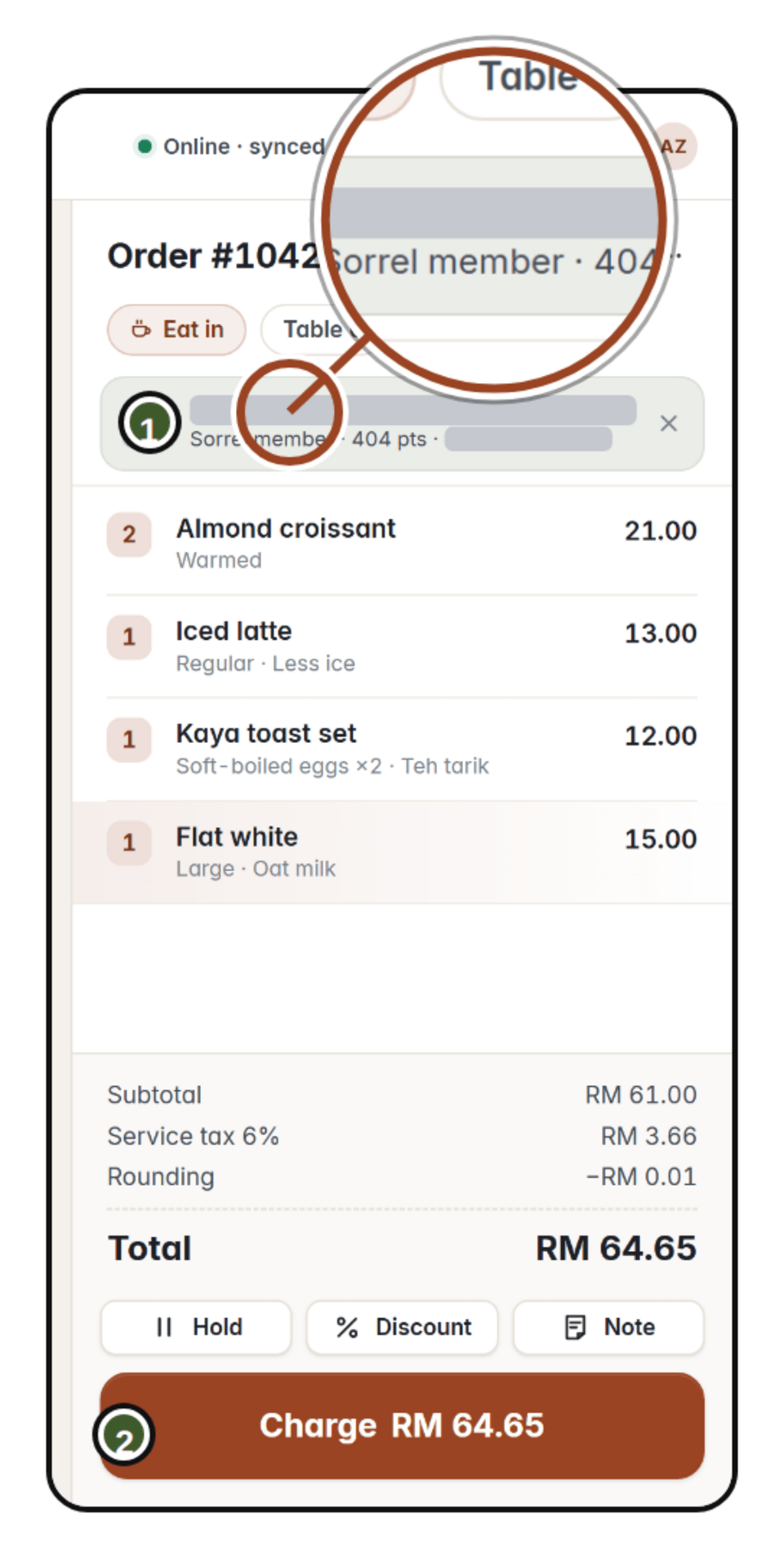
 RawIn the guide
 RawIn the guide
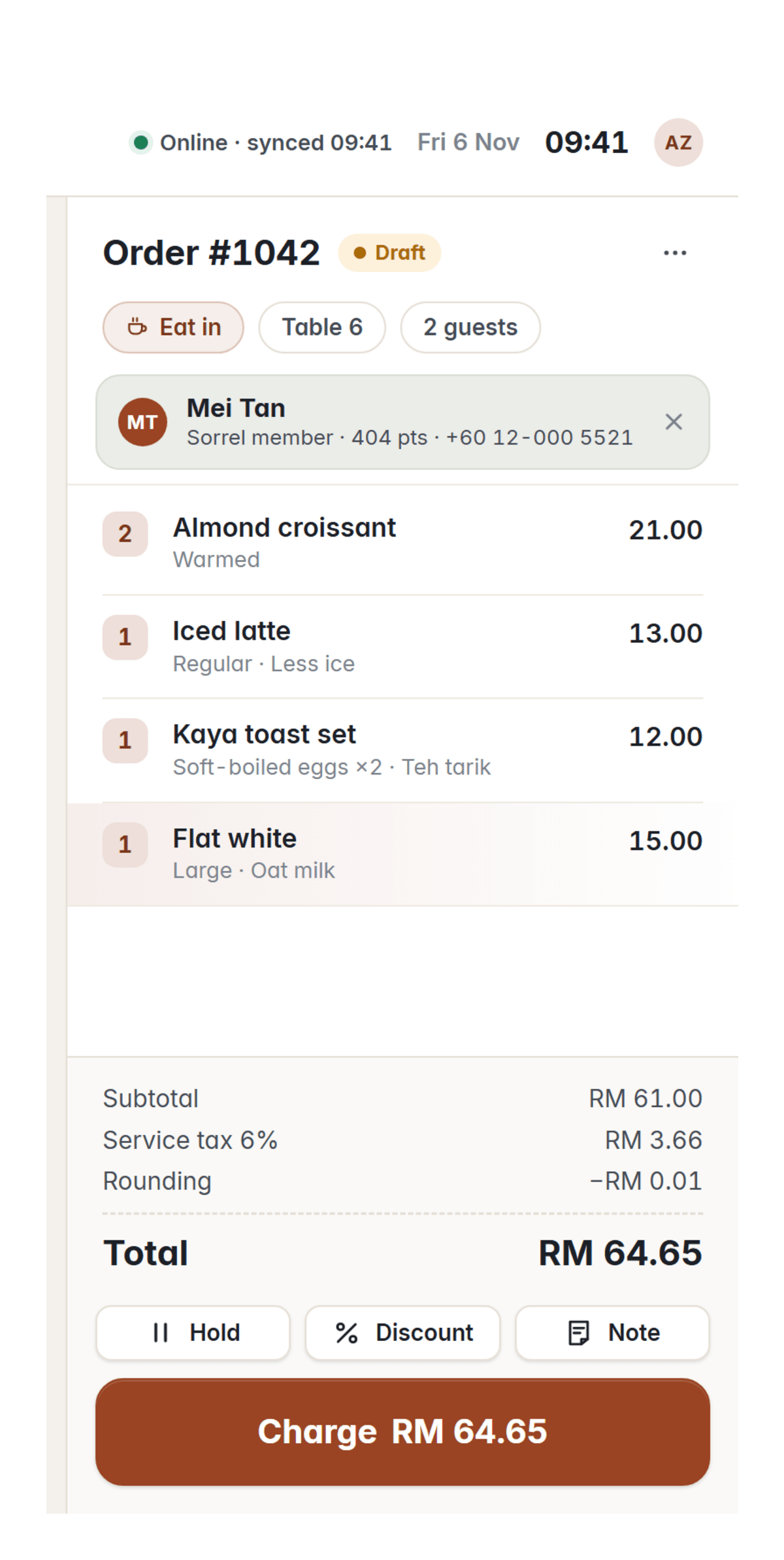
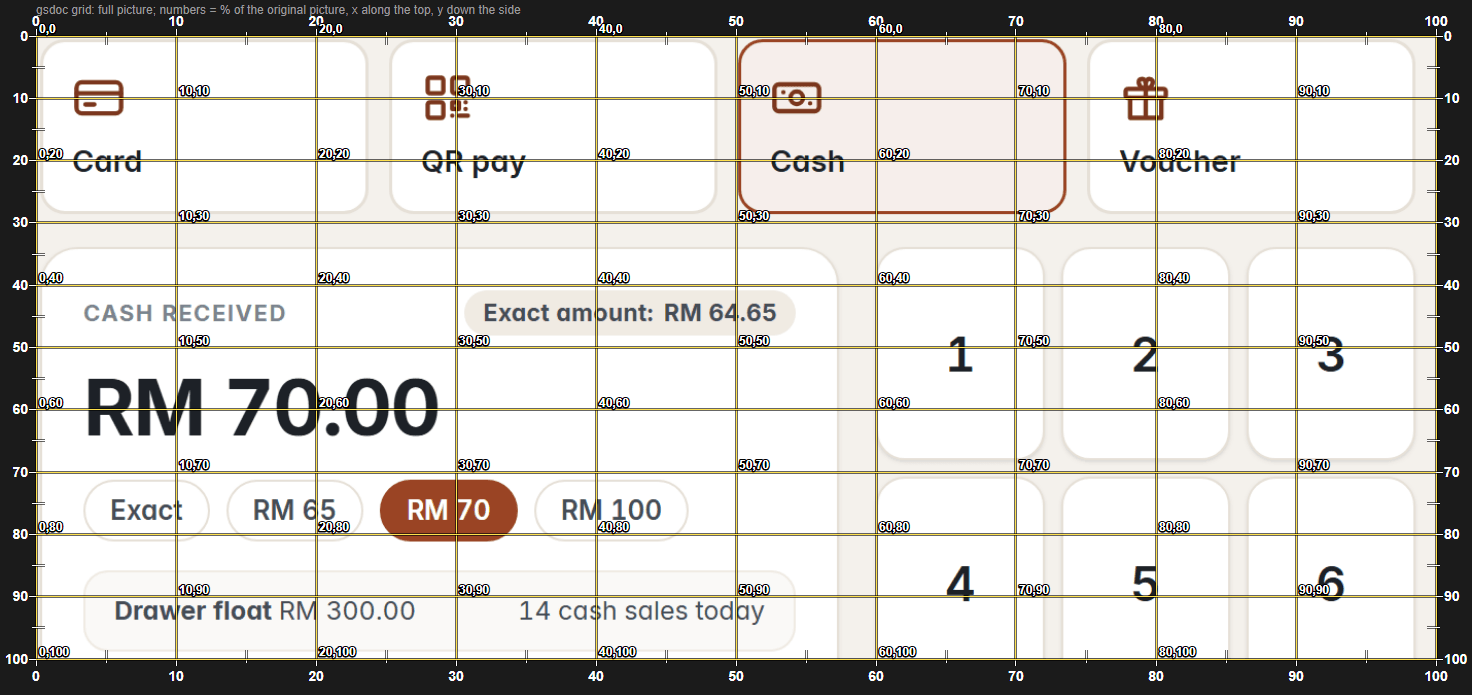
The raw screen, straight from the app.
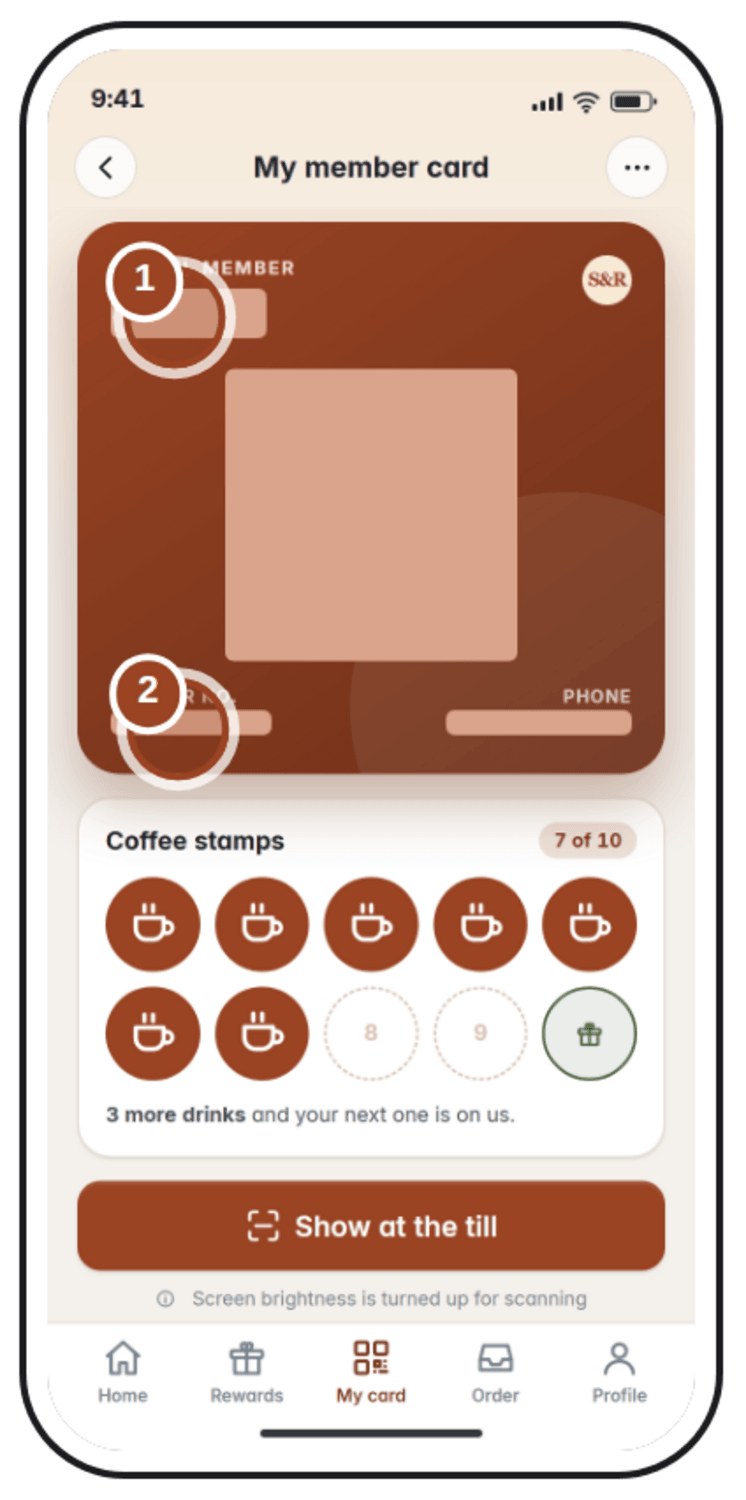
A percent grid gives every spot a number.
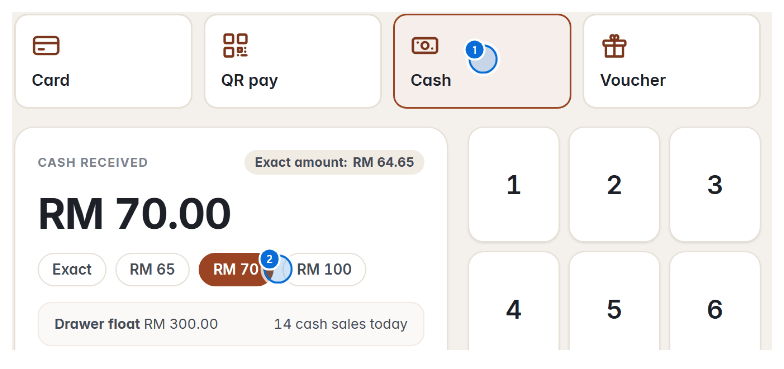
A preview proves the dots land on the right buttons.
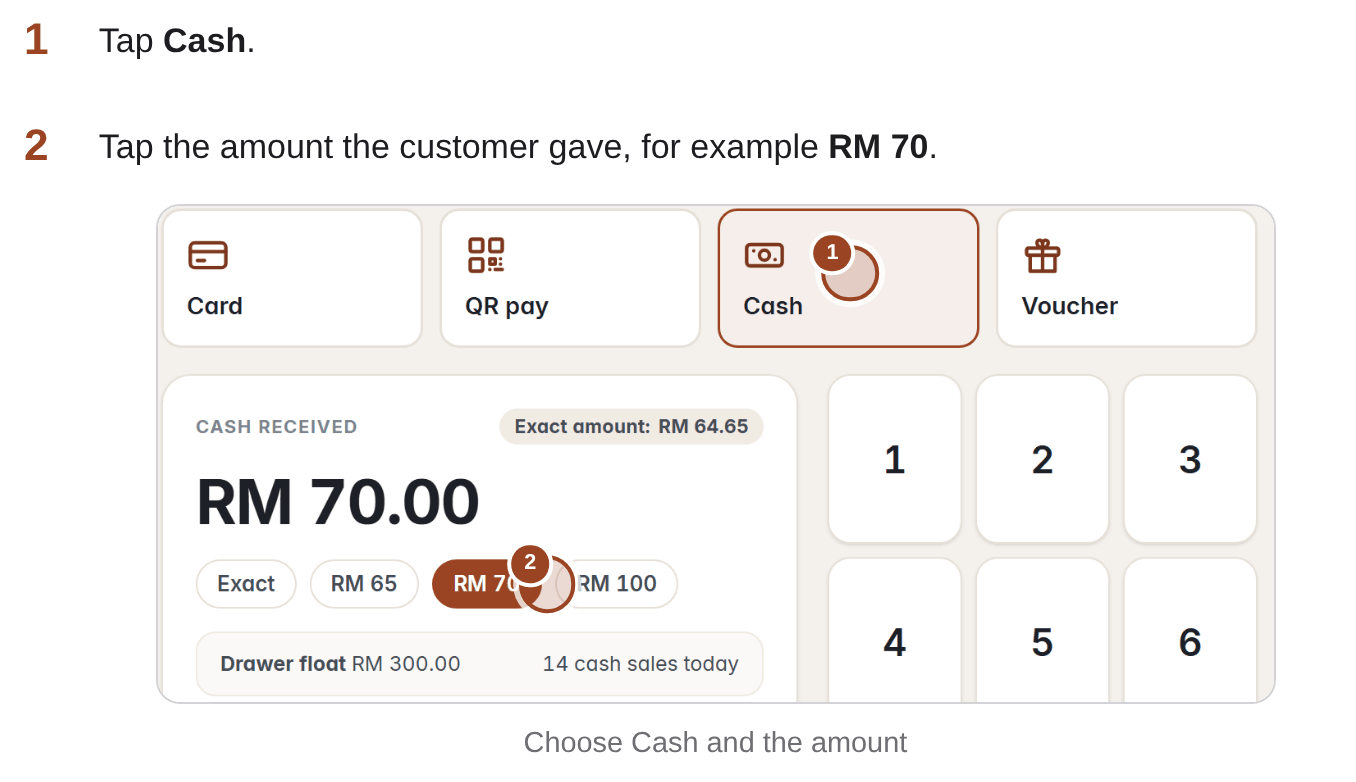
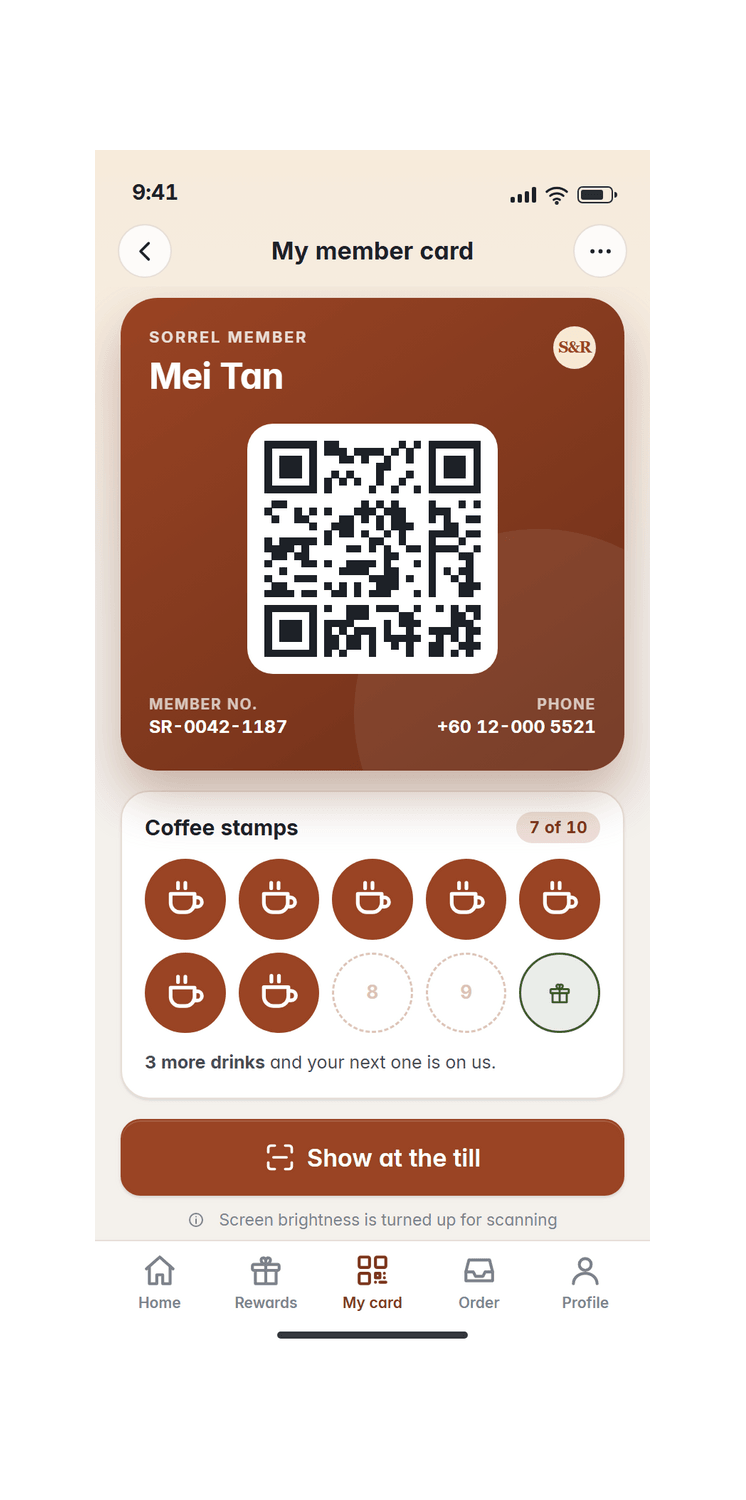
The finished step, under the line it explains.
The café guide holds English, 中文 and Bahasa Melayu in one page. Pick one here and the live guide above follows.
AI translation; the reviewer line stays open until your native speaker signs.
The guide is more than a page to scroll. Each picture below is the café guide in use; tap one to try it.
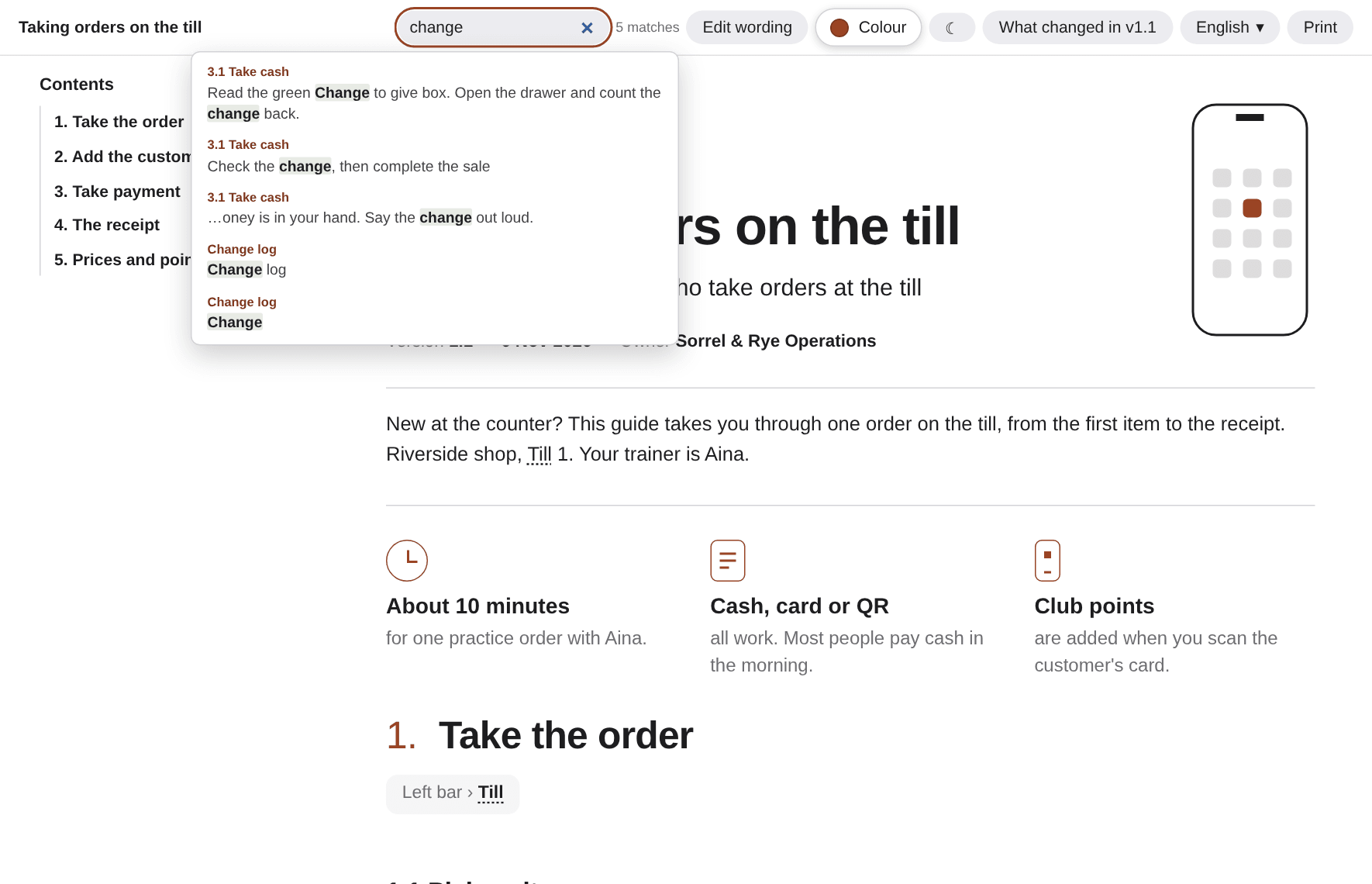 SearchFind any word in the guide. The hits list shows where it sits.Open the guide
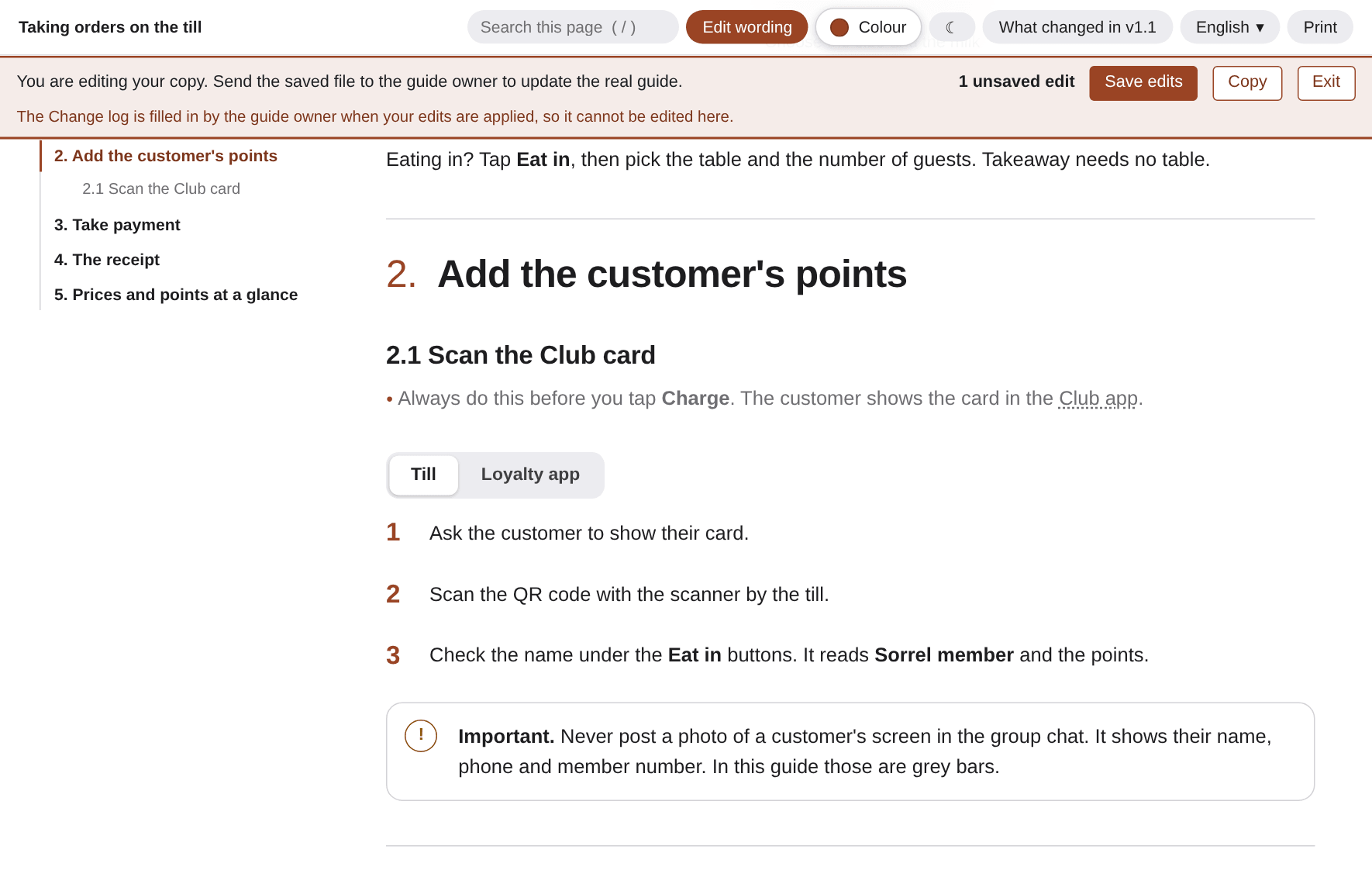 Edit wordingFix a sentence on the page, save the file and send it back to us.Edit this guide
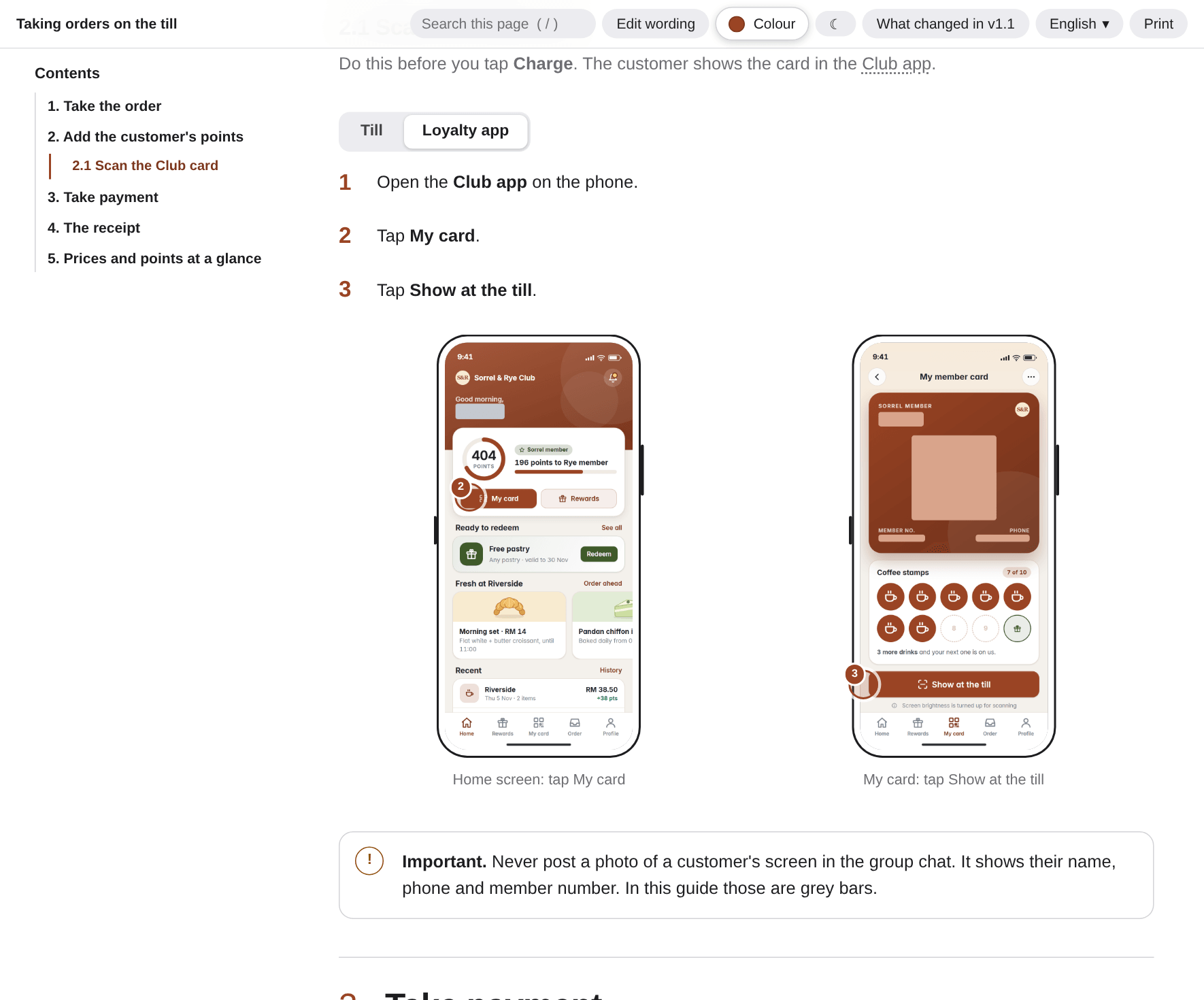 TabsOne step, two screens. The reader picks till or loyalty app.See the tabs
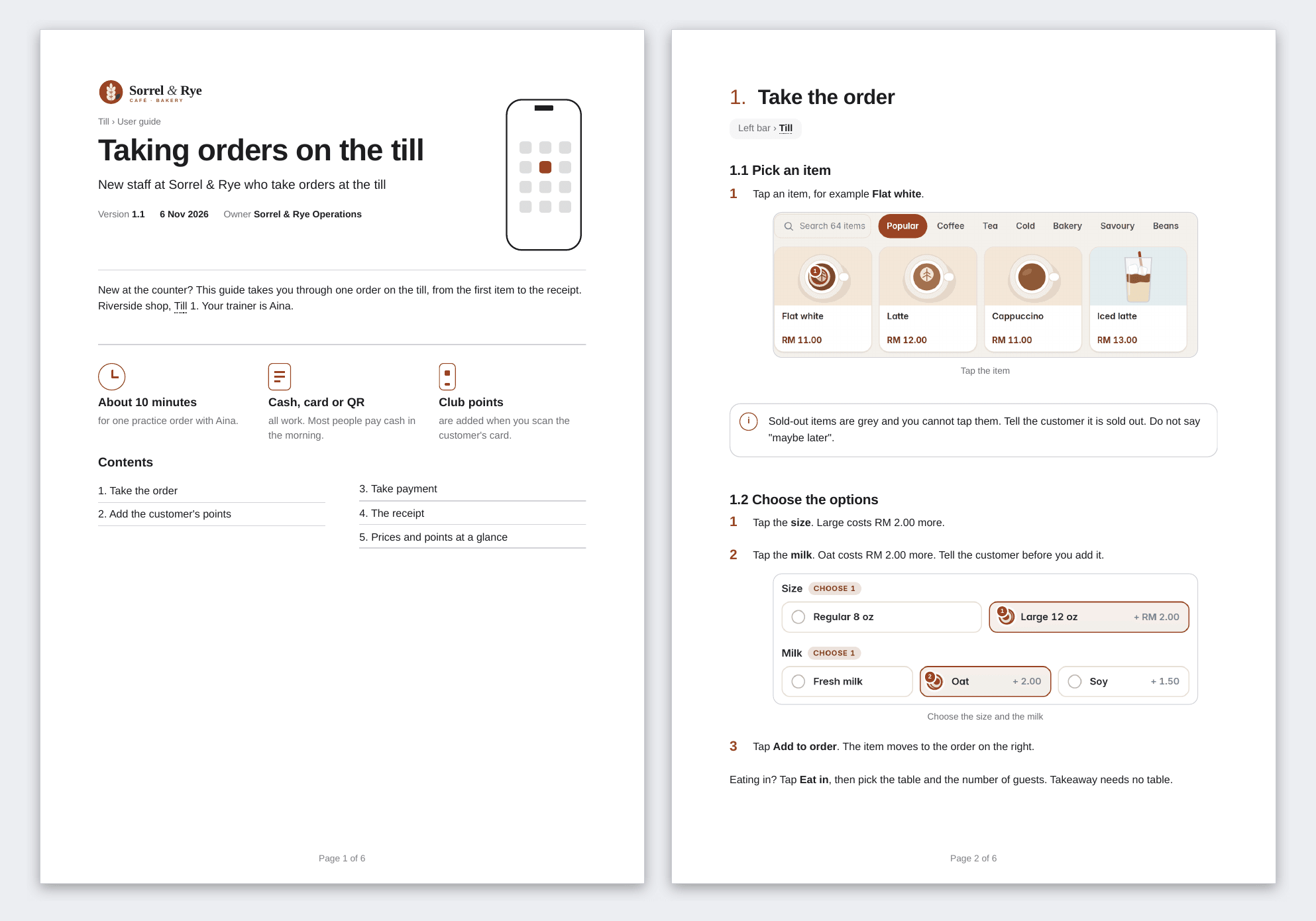 Print to PDFClean A4 pages with page numbers, ready for the staff room wall.Open the PDF
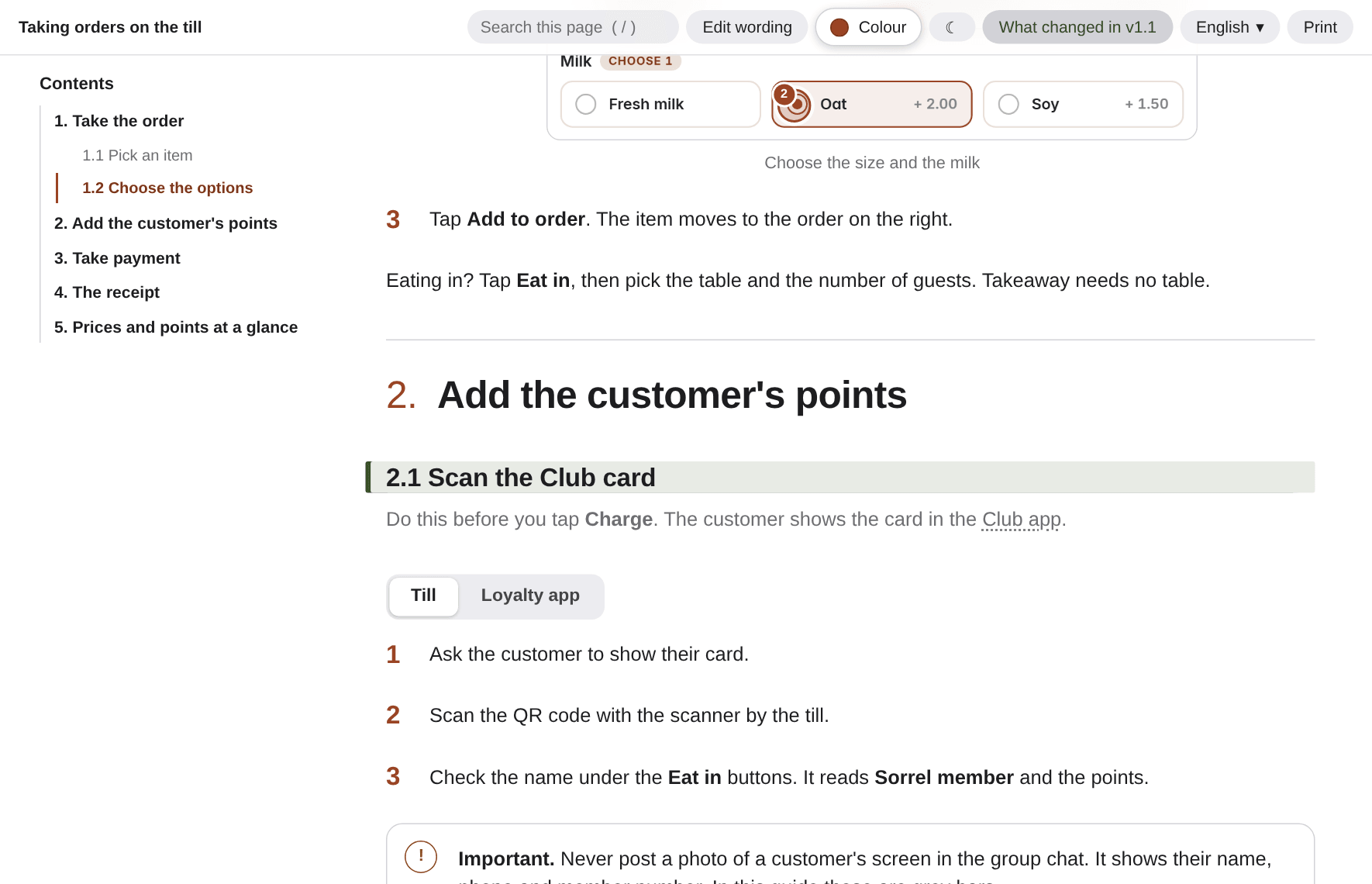 What changed in v1.1One tap marks every section that is new since the last version.See the change log
These are the real notes the café guide was written from, typos and all. Send notes, chat logs, an old Word file or code.
Sorrel & Rye - till notes (Mei's voice memo + what Aina said, typed up Fri)
Sent to: the docs team   Re: new staff guide for the till

ok so. we have 3 shops, Riverside / Station Row / the little one at Maple Court. Riverside is the busiest so use that for the pictures.
till = the tablet on a stand, "Till 1" at the top. every new person gets confused on day 1!!
Aina does the training, one practice order takes about 10 min, then they are on their own for the quiet shift

what they need to know (Aina says):
- you log in with your PIN, name shows top, "Aina - shift from 07:00". dont share PINs!!
- left bar: Till, Orders, Menu, Members, Reports, Settings. new staff only need TILL. dont touch Settings
- top bar shows Online / synced. if the wifi dies the till still works, it catches up later. (ask Aina if true for card payments?? I think card needs wifi)
- tap the item. if it has choices a box opens. size, milk, extras. flat white is the one everyone gets wrong
   - size: regular 8oz or large 12oz (large +RM 2.00)
   - milk: fresh / oat (+2.00) / soy (+1.50)   <- oat is NOT free, customers argue about this
   - extras optional: extra shot 2.50, vanilla 1.50, decaf
   - note for barista e.g. extra hot
- then "Add to order". the order is on the right side. Order #1042 etc, numbers go up by themselves
- eat in = pick the table, number of guests. takeaway no table
- sold out things are grey (pandan chiffon today). cant tap them. DONT tell customers "maybe later", just say sold out
- the little red/green thing "2 left" on the sourdough is real, oven batch 09:50

paying:
- big dark red button bottom right = Charge. shows the total
- service tax 6% is added automatically. rounding to nearest 5 sen. total RM 64.65 for the test order (was 64.66)
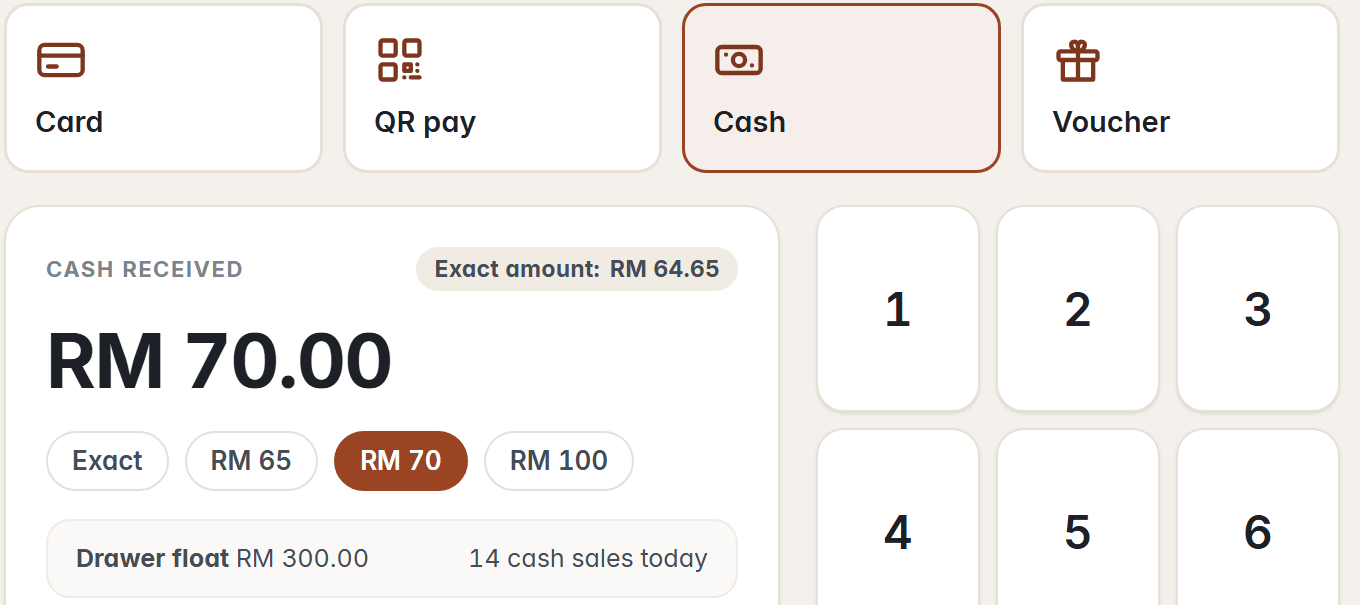
- pick Card / QR pay / Cash / Voucher. most people pay cash in the morning
- cash: tap the amount they gave. buttons Exact / RM 65 / RM 70 / RM 100, or type it on the number pad
- screen says "Change to give" green box. open the drawer, count it back. ALWAYS say the amount out loud (Aina's rule)
- then green button Complete sale. DONT press it before the money is in hand!!
- after that receipt page. print receipt, or email, or show QR receipt for the Club app. then New order.
- order goes to the kitchen by itself ("Order #1042 sent to the kitchen")

Club app (loyalty) - this is the part customers love:
- customer downloads Sorrel & Rye Club, they have a card in the app. blue... no, brown QR. "My card" -> "Show at the till"
- you scan it with the scanner by the till and their name comes up on the order, under the Eat in buttons. says Sorrel member + points. e.g. Mei Tan 404 pts
- 1 RM = 1 point roughly, order of RM 64.65 gave +64
- 600 pts = Rye member (next level). 404 pts at the moment so 196 to go. after this order 468 -> 132 to go
- free pastry reward shows in the app when they have enough, they press Redeem at the counter and we make it free (ask Aina how, she knows)
- coffee stamps 7 of 10, 10th drink free  <- is that still running?? check w/ Mei
- IMPORTANT: privacy. the screen shows customer name, phone number, member no. DONT take photos of the screen and post in the group chat. if you must, blur it. (we got told off once)

version 1.1 stuff (added this week):
- receipts now say points earned + balance at the bottom. so staff can tell the customer. new!
- the "only 132 pts to Rye member" line on the receipt page, also new

not sure / to do:
- refunds? Mei does those, not for new staff
- kitchen screen is a different thing, not this guide
- logo: terracotta + olive green, the S&R badge
- want it in Chinese and Malay too, half the Riverside team read BM first, Aina's mum helps in Station Row and reads Chinese
- keep it SHORT. one page per job. pictures please. nobody reads
Nothing is uploaded; it never leaves your browser.
The cover here and at the top of the page change at once, and so does every live guide above.
User guide
Taking orders on the till
New staff at Sorrel & Rye who take orders at the till
Page 1 of 6